


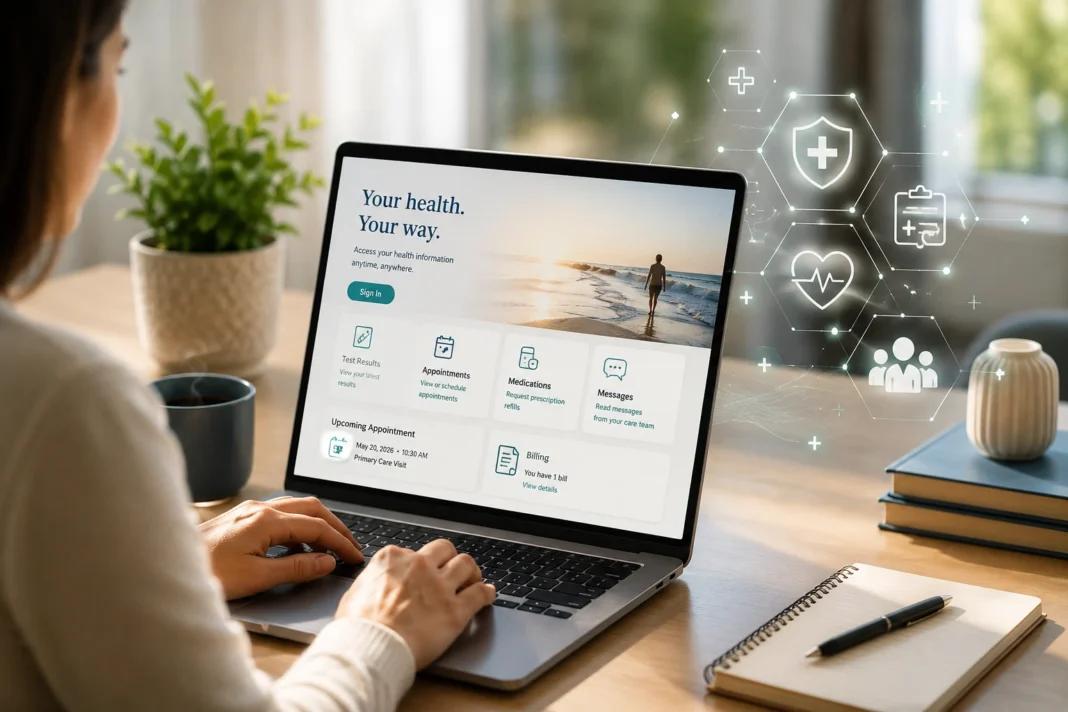
Sutter Health patients can access their medical information through the My Health Online portal. The account lets patients view test results, review past and upcoming appointments, request prescription refills, manage medical bills, join video visits, and send secure messages to their care team. Approved proxy access may also allow a parent, guardian, spouse, or caregiver to view selected records for a child or family member.
Employee accounts, health-plan services, and business tools use separate Sutter Health portals. Patient records are available through My Health Online, so check the official Sutter Health web address before entering a username, password, security code, or other private information.
Choose the Correct Sutter Health Portal
The correct Sutter Health portal depends on the type of account you need.
| User | What the portal is used for |
|---|---|
| Patients | Records, appointments, prescriptions, bills, and messages |
| Employees | Workplace tools and staff accounts |
| Health-plan members | Benefits, coverage, and insurance details |
| Business users | Partner and business services |
Patients who want to view medical information should look for the name My Health Online. An employee account or Sutter Health Plan account will not provide normal access to a patient record.
Sign In to Your Patient Account
The sign-in process takes only a few steps:
- Open the official My Health Online login page.
- Enter your My Health Online username or Epic ID.
- Type the password connected to the account.
- Select the sign-in button.
- Enter the one-time code if the portal requests it.
The same page may show links for password recovery, account setup, Spanish access, and passkey sign-in. Check the address bar before you type private information. The page should use an official Sutter Health domain. Leave the site if the address contains unusual words, a spelling mistake, or an unknown domain.
Epic ID on the Login Page
My Health Online runs on technology from Epic. That is why some patients see an option to enter an Epic ID instead of a regular portal username. Use the details already connected to your patient account. The presence of an Epic ID field does not mean you need to create a second account.
Features Available in My Health Online
My Health Online brings several healthcare services into one patient account. Available features may include:
- View laboratory and test results
- Check past and upcoming appointments
- Request prescription refills
- Read medical letters
- Send secure messages to the care team
- Review medical bills
- Join video visits
- Use appointment waitlists
- Access approved records for a child or family member
Available tools may vary based on the patient’s age, provider, location, and type of care.
Readers who want to understand how medical records are collected, stored, and shared can also read our guide to health information management.
Create a My Health Online Account
Adults can request My Health Online access through the official website, by phone, with a mailed form, or at a Sutter Health office. Patients age 18 or older may also call 800-4SUTTER for enrollment help.
Account registration may require:
- Legal name
- Date of birth
- Home address
- Phone number
- Email address
- Other details used to confirm identity
Sutter Health may use an outside identity service to verify the submitted information. An activation code may arrive by email within an hour, though requests that need manual review can take up to one week. Select Activate Your Account if you already received a code, and avoid starting another registration because it may create a duplicate account. Patients ages 12 to 17 follow a separate teen enrollment process, which may be completed during a medical visit or with help from Sutter Health.
Account Setup With or Without an Activation Code
Not every patient needs a code before account setup. Some users can complete registration through an online identity check. Other users must enter an activation code supplied by Sutter Health. The available route depends on whether the system can match the submitted details with the patient record. Contact official support if the identity check fails or the code does not work.
Recover Your Username or Password
Select Forgot login information on the official sign-in page. The recovery tool may ask for the email address or mobile number linked to the account. It may also request a name, date of birth, or another detail that confirms identity.
Do not open a new account when the portal says one already exists. Duplicate accounts can split appointments, test results, and messages across separate records. Use the recovery tool first. Contact My Health Online support if you no longer have access to the phone number or email address tied to the account.
When the Security Code Does Not Arrive
My Health Online may send a one-time code by email or text after you enter your username and password.
Check these details first
- Look in the spam or junk email folder.
- Select Resend Code only once.
- Check another email address linked to the account.
- Make sure your phone accepts short-code text messages.
- Review blocked numbers and message filters.
-
Text
STARTto85638if Sutter Health text alerts were turned off.
Avoid requesting several codes at once because a new code may cancel the previous one. Contact official support if your phone number or email address is no longer current.
Update Your Phone Number or Email
Outdated contact details can block password recovery and security codes. Patients who can still sign in should review the Personal Information page inside My Health Online. Communication settings may also control email, phone, and text alerts. A patient who cannot access the account may need to call support. Sutter Health may ask for identity details before it changes private account information.
Login Problems That Have Simple Fixes

Several login issues can be resolved with a few basic checks.
| Problem | Possible fix |
|---|---|
| Page appears blank | Enable JavaScript and cookies, then reload the page |
| Password does not work | Check Caps Lock, keyboard language, and extra spaces |
| Account is locked | Stop repeated attempts and use account recovery |
| Activation code has expired | Request a replacement code from Sutter Health |
| Identity check fails | Confirm that your details match the medical record |
| Website does not load | Clear browser data or try a current browser |
| Mobile app does not work | Update the app, restart the phone, and enter the latest password |
My Health Online needs JavaScript and cookies, so strict browser settings may block parts of the portal. A name or address change can also cause an identity mismatch. After a password reset, sign in again before reactivating Face ID or fingerprint access.
Access My Health Online on a Phone
The My Health Online app is free and is available from the Apple App Store and Google Play.
The app may let patients:
- View test results and medical records
- Check appointments and prescription requests
- Read secure messages and review bills
- Join video visits
- Open approved family records
Some phones support Face ID or fingerprint access. Keep a phone passcode active because the app may contain private health and billing information. Use Contact Support inside the app if the problem affects only the mobile version.
Access a Family Member’s Health Record
Sutter Health uses proxy access instead of shared passwords. A parent, guardian, spouse, or caregiver can request permission to view another patient’s information through a separate account.
| Patient age | General rule |
|---|---|
| 11 and younger | A parent or legal guardian may request access |
| 12 to 17 | The teen can have an account, but parent access may be limited |
| 18 and older | The patient usually must approve access for another adult |
Proxy access may include appointments, results, medicines, letters, and secure messages. The available information can change when the patient reaches a new age or legal status. Each patient should have a separate account. Spouses and relatives should not share one username and password.
Paying a Bill Without Signing In
Sutter Health offers a Pay as Guest option. It may ask for the guarantor name, account number, or visit account number shown on the statement. The guarantor is the person responsible for payment. That person may not always be the patient. A visit account usually contains charges tied to one visit. A signed-in account may provide saved payment methods, payment history, detailed charges, and available payment plans. Use only the official Sutter Health payment page before you enter card or bank details.
Schedule an Appointment Without Signing In
Some providers and appointment types allow patients to schedule without an account. The official schedule page may show a Continue as a Guest option. Other visits require a My Health Online account or a call to the medical office. Access may depend on the location, provider, insurance plan, specialty, and type of visit.
My Health Online Access for Sansum Clinic Patients
Sansum Clinic patients may now use Sutter Health My Health Online instead of Sansum MyChart as part of the clinic’s move into Sutter Health. Check the official transfer instructions before creating another account, as current records may appear in My Health Online while older bills or medical details remain in the previous Sansum system.
Contact Sansum Clinic or My Health Online support if you are unsure which portal contains your information.
Check the Login Page Before Entering Your Password
An official login page should use a Sutter Health domain and a secure HTTPS connection. The organization’s name should also appear with the correct spelling. The page should not demand payment before sign-in. Sutter Health support should not ask for your full password or one-time code through an unexpected email, call, or text. Sutter Health advises patients not to share login details with another website, app, company, or vendor. Close the page if it requests unrelated information or redirects you to a domain you do not recognize.
Keep Your My Health Online Account Secure
My Health Online may contain medicines, test results, medical messages, insurance details, and payment records. Use a password that you do not use on other websites. Never share a password or one-time code. Sign out after you use a public, office, school, hotel, or shared computer. Do not save login details on a device that other users can open.
A genuine support worker should not need your full password. Portal messages are not suitable for urgent or life-threatening problems. Call 911 during a medical emergency.
Get Help With My Health Online
My Health Online support can help with:
- Account enrollment
- Forgotten usernames or passwords
- Locked accounts
- Expired activation codes
- Identity verification problems
- Missing security codes
- Proxy access
- App or browser errors
Call 800-4SUTTER from 7 a.m. to 7 p.m. Pacific Time on weekdays. Technical chat may also be available through the official My Health Online Help Center during the same hours.
Questions Patients Often Have
My Health Online runs on Epic’s patient portal system, the same technology used for MyChart. Sutter Health uses the name My Health Online for its own patient service.
A Spanish option appears on the official login, account setup, and guest bill payment pages. Change the language before you enter personal information.
Patients ages 12 to 17 can receive personal My Health Online access. A parent or guardian may have limited access because some teen health records are protected under California law.
Each spouse needs a separate account. Proxy access can allow one spouse to view approved parts of the other person’s record without sharing a password.
HealthWavy only provides general information. It does not host a login form, connect to patient accounts, or collect Sutter Health usernames, passwords, or medical records.
HealthWavy reviewed this guide using official Sutter Health sources. Portal details may change. Report an error at info@healthwavy.com or visit our Doctor Directory for professional healthcare support.